
SpeakMany — Real-Time Multilingual Translation for Live Events
Products→ How It Works→ Solutions→ Service→ Resources→
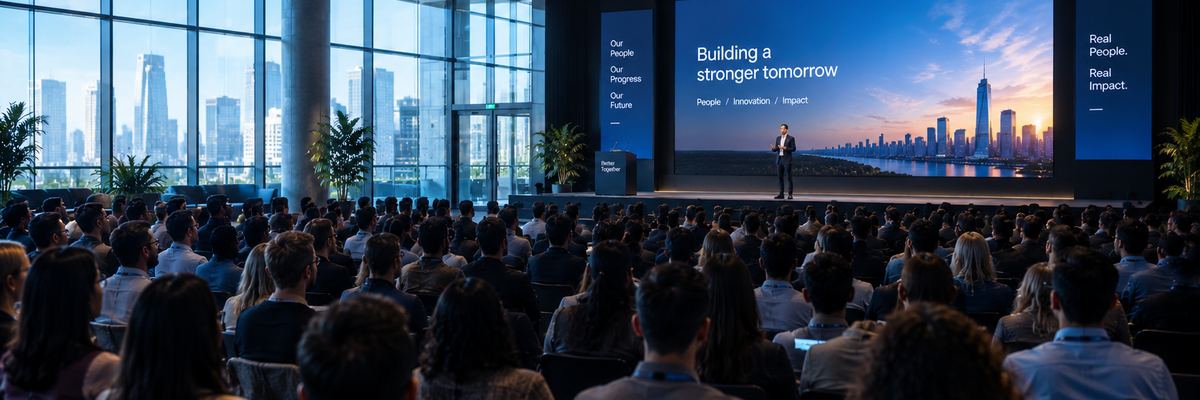
Live multilingual events

Speak once.
Everyone understands.

SpeakMany turns live event speech into multilingual captions and translated audio in real time, for venue screens and attendee phones.

Built for conferences, training, meetings, education, exhibitions, and live events.

LIVE Keynote Stage · {{ sessionTitle }}
EN SOURCE
SPEAKER

{{ en }}

TH

{{ th }}

VI

{{ vi }}

ID

{{ id }}

JA

{{ ja }}

Audio
Session 00:41:18 Venue screens · 3 outputs Attendee devices · 486 connected Glossary · 24 terms locked
Illustrative session data

Live

Real-time multilingual communication for the room.

Many Languages

Reach audiences across languages from one live source.

Screens + Phones

Deliver translated captions where people already look.

Optional Audio

Let attendees listen to translated speech on their own devices.

The problem

The room speaks one language. The audience may not.

Traditional interpretation can be expensive, difficult to scale, and hard to adapt when an event needs many languages. SpeakMany gives organizers a flexible digital layer for multilingual communication.

SpeakMany turns one live conversation into many accessible language streams.

Missed information

Attendees can lose context when they do not understand the speaker.

Limited language coverage

A live interpreter setup becomes more complex as language count increases.

Audience friction

People should not need specialized hardware just to follow a presentation.

How it works

From microphone to multilingual audience.

Venue Mic → Speech → Translation → Screens + Phones + Audio

01

Capture

Take a clean audio feed directly from the venue mixer.

02

Understand

Speech is detected, transcribed, and segmented in real time.

03

Translate

The system produces only the languages the event actually needs.

04

Deliver

Captions appear on venue screens and attendee phones.

05

Listen

Optional translated audio can be delivered through attendee devices.

Venue screens

Keep the presentation. Add every language around it.

Keep the speaker, slides, and camera feed visible while translated captions run alongside the presentation.

HALL A · MAIN LED WALL 3840 × 1080 · Output 1
ON AIR
ไทย · THAI

{{ th }}

TIẾNG VIỆT · VIETNAMESE

{{ vi }}

BAHASA INDONESIA

{{ id }}

{{ sessionTitle }}

{{ slide }}

{{ b1 }}
{{ b2 }}
{{ b3 }}

Dr. Amara Chen

Clinical Research Lead

SCAN FOR YOUR LANGUAGE

speakmany.com/live/hall-a

日本語 · JAPANESE

{{ ja }}

ESPAÑOL · SPANISH

{{ es }}

ENGLISH · SOURCE

{{ en }}

Works with your existing AV workflow.

Audio feed from your mixer
Caption layer to your screens
Your slides and camera untouched
No change to your run of show

Attendee phones

No app download. Just scan and listen.

Attendees scan the event QR code, select their language, and follow the session from their own device.

QR access Language selection Live captions Optional translated audio Mobile browser
9:41SpeakMany

Choose your language

{{ sessionTitle }}

Hall A · Keynote

{{ lang.name }} Selected

Tap a language. The screens on the right follow your choice.

9:41● Live
{{ selName }} {{ selEn }}

{{ selText }}

{{ selPrevText }}

Translated audio

9:41Transcript

Session transcript

00:38:04

{{ selPrevText }}

00:38:21

{{ selText }}

Export after session

Operator console

Give the event team control.

Live events need more than a translation engine. SpeakMany gives operators the controls they need to monitor and manage the session in real time.

Session · Hall A Keynote 00:41:18
DELIVERING REC

INPUT · MIXER AUX 3

Peak −6 dBSignal healthy

SOURCE LANGUAGE

English (auto-detected)

ACTIVE TARGET LANGUAGES

Thaiscreens + phones
Vietnamesescreens + phones
Indonesianscreens + phones
Japanese+ audio
Spanishwarming up

CAPTION DELAY

Within session target

ATTENDEES

486 devices

OUTPUT STATUS

LED wall · Hall ALive
Side screen · leftLive
Attendee webLive
Overflow room BReconnecting

Overflow room B lost network. Captions resume automatically on reconnect.

Event glossary

Make important words stay right.

Add speaker names, company names, product names, acronyms, medical terms, and event-specific vocabulary before or during a session.

Names. Products. Acronyms. Terms that matter.

EVENT GLOSSARY 24 terms
Dr. Amara Chenspeaker name · keep unchanged
Northwind Groupcompany name · keep unchanged
KPIpreserve acronym
ESGpreserve acronym
Keynote Hall Apreferred translation
Terms can be edited live during a session.

Solutions

Built for rooms where understanding matters.
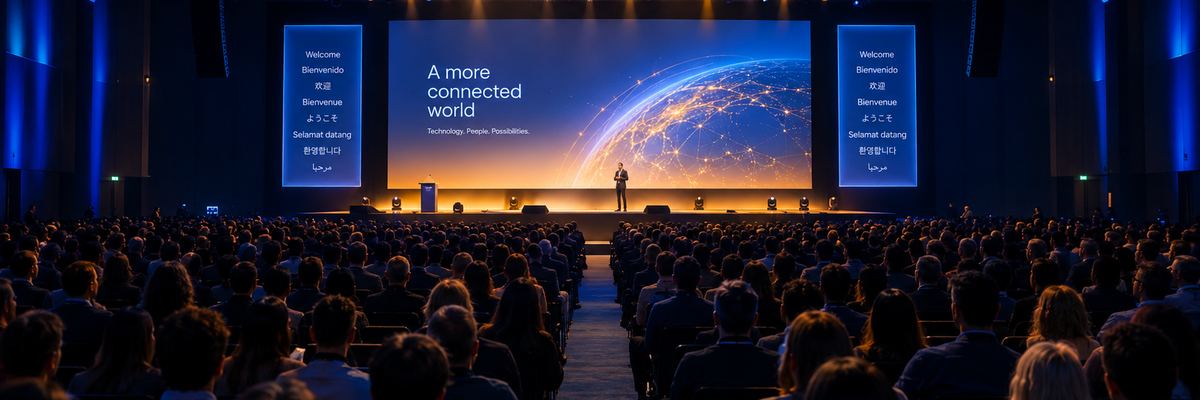
KEYNOTE · PANEL

Conferences

Multilingual keynote, panel, and breakout sessions.

MULTI-REGION

Corporate Training

Deliver training to teams across regions.

LECTURE · SEMINAR

Education

Make lectures and seminars more accessible to international audiences.

BOOTH · DEMO

Exhibitions

Help visitors understand presentations and demonstrations.

PUBLIC ASSEMBLY

Government & Public Events

Support multilingual audiences at large-scale gatherings.

SHOW CONTROL

AV & Event Production

Add a digital multilingual layer to existing event systems.

The service

We run it for your event.

SpeakMany is delivered as a service. Our team plans the languages with you, sets up alongside your AV crew, and operates the session live on the day.

There is nothing for your team to install or maintain. You tell us the room, the audio setup, and the languages your audience needs.

Language plan agreed before the event
Event glossary prepared with your team
On-site setup with your AV crew
A SpeakMany operator on the day
Transcripts handed over after the session

WORKING WITH US

Tell us about the eventroom · audience
Agree the languagesscreens · phones · audio
Prepare the glossarynames · terms
We set up on sitewith your AV crew
We run the session liveoperator on the day
You get the transcriptsafter the event

A modern layer for multilingual events.

Illustrative workflow comparison, not a verified competitor benchmark.

CAPABILITY
TRADITIONAL INTERPRETATION
SPEAKMANY
Live captions
Depends on setup
Yes
Attendee phone access
Often separate
Built into workflow
Many target languages
Complex to scale
Designed for language fan-out
Event glossary
Varies
Built into product concept
Venue screen output
Requires AV integration
Designed for AV workflow
Translated audio
Interpreter-dependent
Optional digital audio

Make your next event understood.

One speaker. Many languages. One connected audience.

Book a Demo Talk to SpeakMany